> ## Documentation Index
> Fetch the complete documentation index at: https://docs.bult.ai/llms.txt
> Use this file to discover all available pages before exploring further.
# Backups
Select database service, and go to Backups tab.
### **Daily Backups**
You can **Enable** or **Disable** schedule to automatically backup your data every day. No additional costs applied.
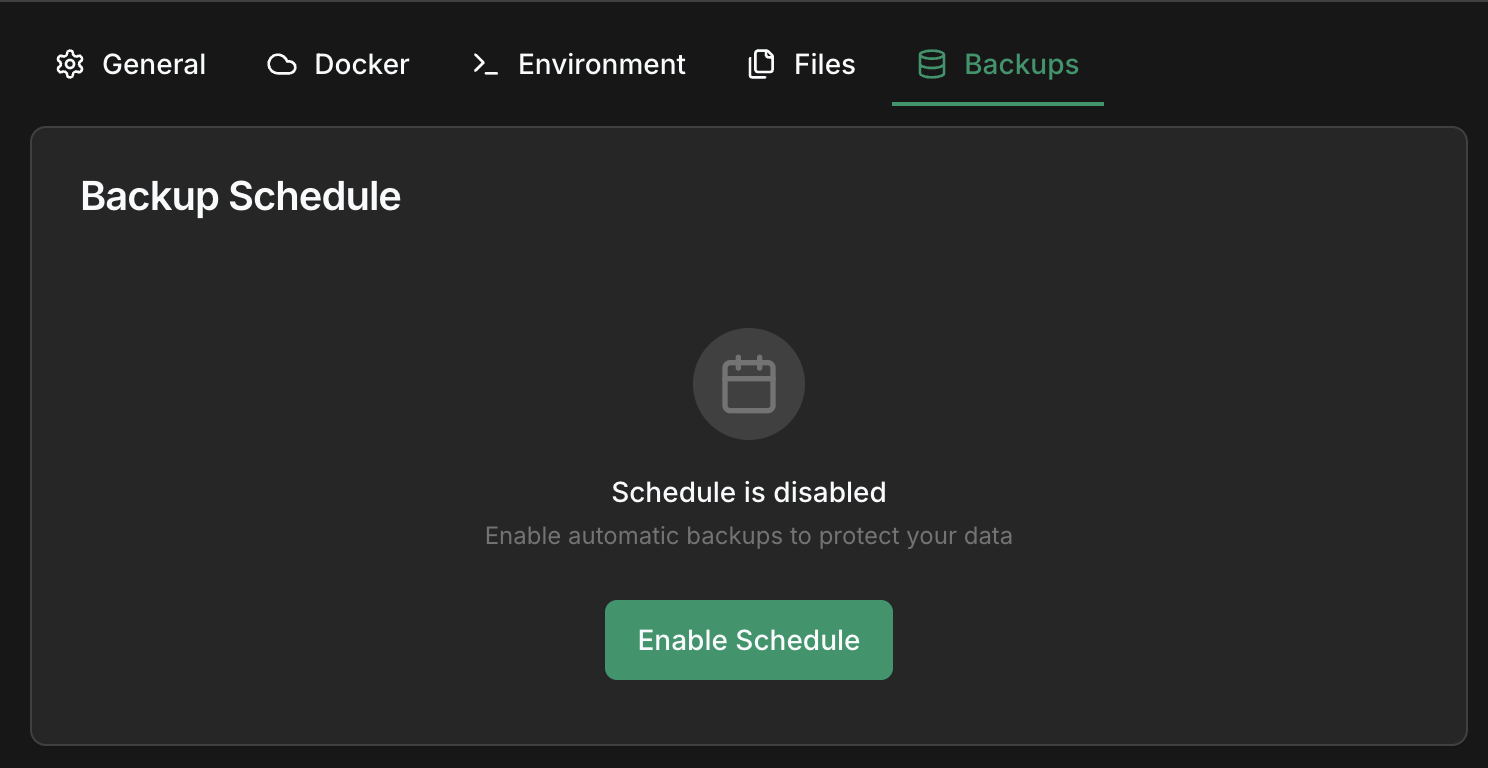 You can specify a time for automatic backups.
> Be aware,**your backups are only retained for 7 days** .
### Create manual backup
Service must be running to create a backup.
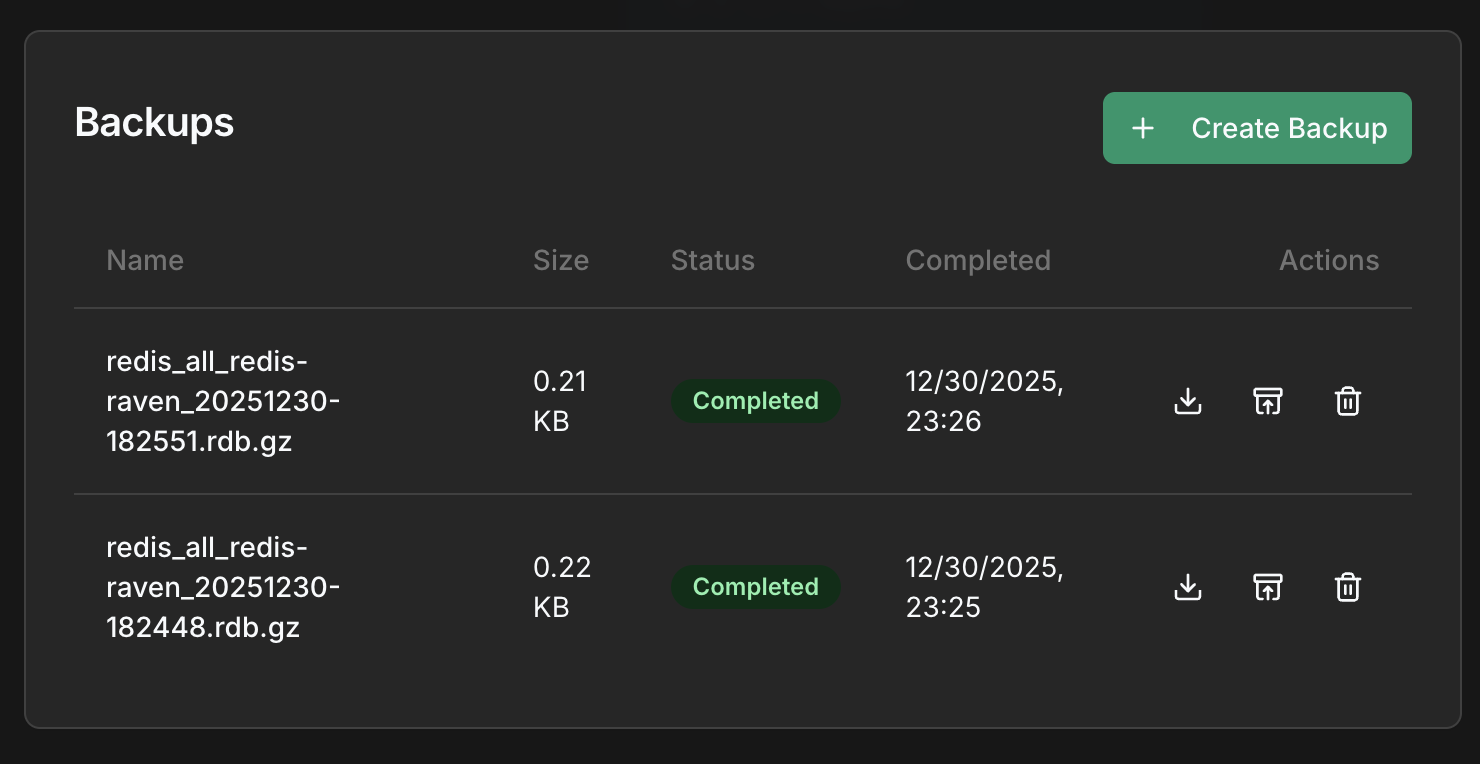
You can then download, restore or delete the backup.
You can specify a time for automatic backups.
> Be aware,**your backups are only retained for 7 days** .
### Create manual backup
Service must be running to create a backup.
You can then download, restore or delete the backup.