

Overview
The Terminal provides direct access to the running container of a deployed service. It enables developers to inspect processes, review files, execute commands, and perform debugging tasks without configuring SSH. Terminal sessions run inside the Bult.ai interface and follow the platform’s security and isolation policies.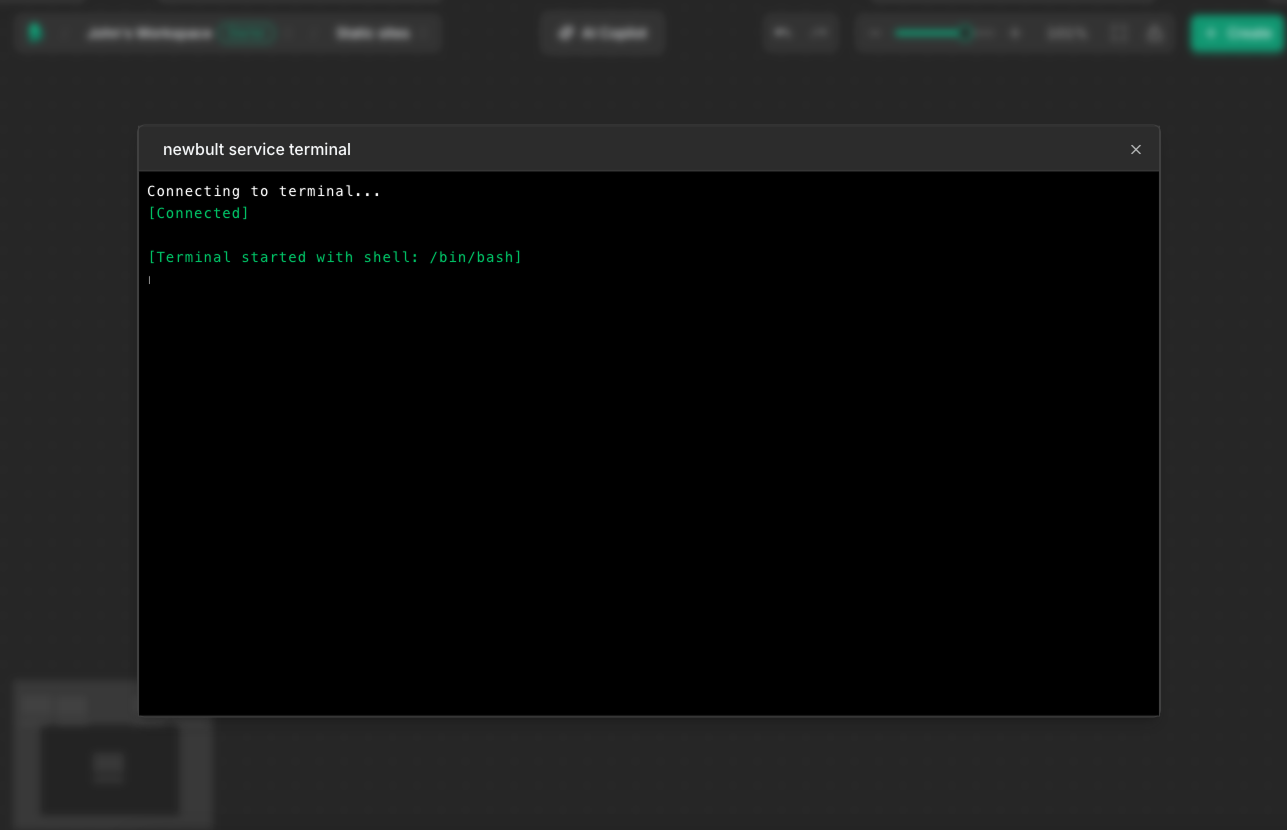
Accessing the Terminal
The Terminal can be opened from the service page of any active deployment. When a session starts, Bult.ai establishes a secure connection to the container instance.No SSH keys, firewall rules, or additional configuration are required.
Capabilities
The Terminal supports the following operations inside active containers:- Inspect current processes and resource usage
- Navigate and edit files within the container file system
- Check environment variables and runtime configuration
- Test connectivity to external APIs, queues, or databases
- Run commands to monitor application behavior in real time
- Install temporary debugging tools (for example, curl or netcat)
Limitations
The Terminal does not persist installed packages or changes that require container rebuilds.Access is limited to running instances. If a service is stopped or fails before startup, the Terminal cannot be opened. Be aware: changes introduced to the container’s file system (except mounted volumes) will be lost after restart.